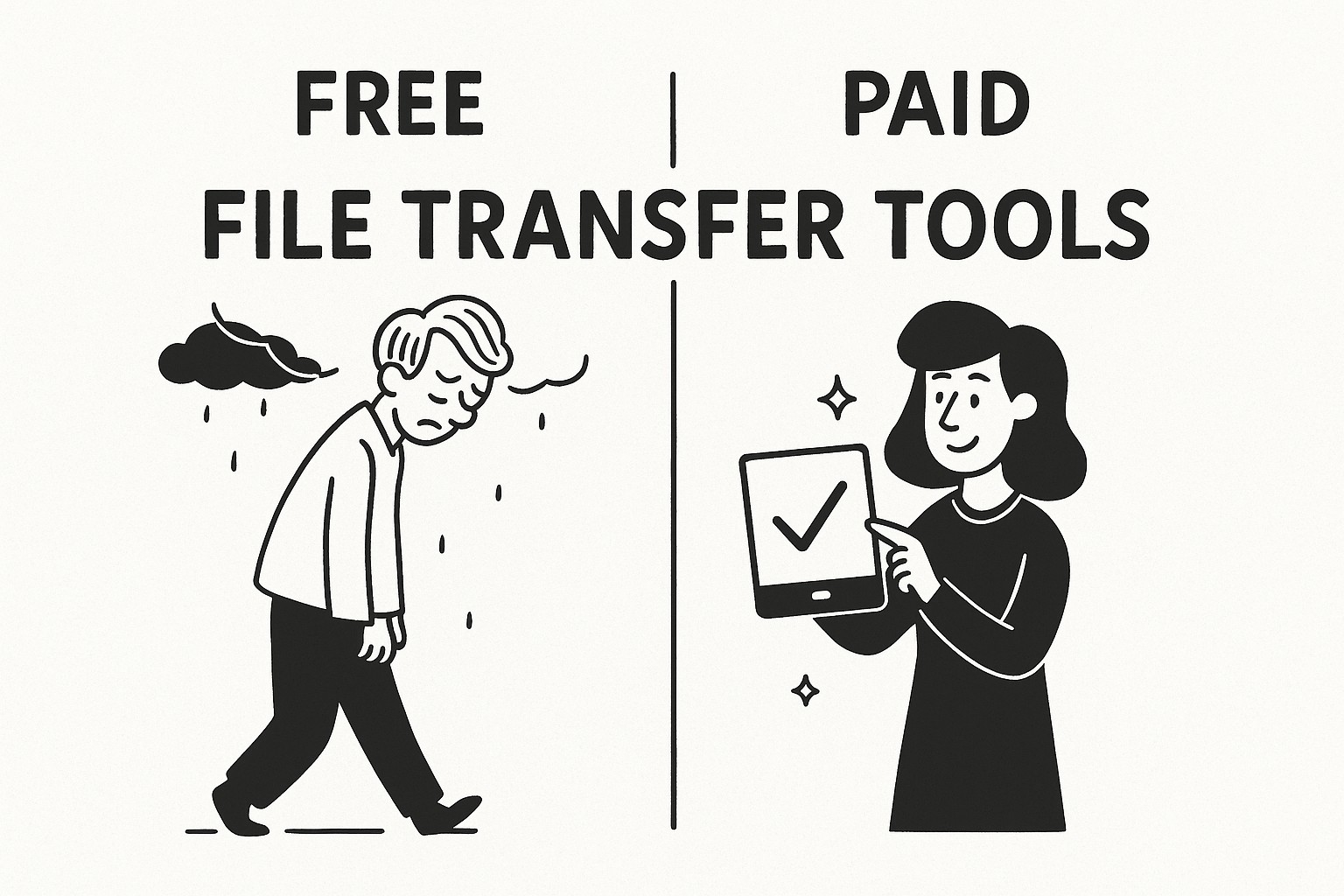
Comparing Free vs Paid File Transfer Tools: Why GoodSend Offers the Best Value
In today's digital workplace, sending large files is a common necessity. With numerous file transfer options available, it can be challenging to determine which solution best meets your needs. This article compares free and paid file transfer tools, highlighting why GoodSend provides exceptional value for businesses and individuals who need secure, occasional file transfers.
Free File Transfer Tools: Advantages and Limitations
Free file transfer services are abundant, but they come with significant limitations:
Common Free Tool Limitations:
- Size restrictions: Typically limited to 100MB-500MB per file
- Security concerns: Many free services lack end-to-end encryption
- Expiration dates: Files often expire quickly (24-48 hours)
- Limited tracking: Minimal or no delivery confirmation
- Ads and upsells: Constant prompts to upgrade
- Privacy issues: Your data may be analyzed for advertising purposes
While free tools like WeTransfer (free tier), Dropbox (basic), or email attachments might work for casual use, they often fall short for professional needs.
Paid Subscription Services: Comprehensive but Costly
Traditional paid file transfer services typically require monthly subscriptions:
Typical Paid Service Characteristics:
- Monthly fees: $10-50/month regardless of usage
- Feature overload: You pay for features you may rarely use
- Long-term commitment: Annual contracts are common
- Tiered pricing: Basic features at low tiers with premium features costing more
These services make sense for companies with constant file-sharing needs but represent poor value for occasional use.
GoodSend: The Best of Both Worlds
GoodSend offers a unique approach that combines the affordability of free tools with the security and features of premium services.
GoodSend's Value Proposition:
| Feature | GoodSend | Free Tools | Subscription Services |
|---|---|---|---|
| Cost | $1.50 per send | Free | $10-50/month |
| File Size | Up to 10GB total | Typically 100MB-500MB | Various limits |
| Number of Files | Up to 20 files | Limited | Varies by plan |
| Security | Full encryption | Limited | Full encryption |
| Tracking | Complete tracking | Limited or none | Available on premium tiers |
| Expiration | 7 days | 24-48 hours | Varies |
| Pay model | Pay-per-use | Free with limitations | Monthly subscription |
When to Choose GoodSend
GoodSend is the ideal solution when:
- You send large files occasionally rather than daily
- Security is essential for your file transfers
- You need reliable tracking to confirm delivery and downloads
- Budget matters and you don't want to pay for unused capacity
- You require simplicity without complicated account management
How GoodSend Works
Using GoodSend is straightforward:
- Visit https://goodsign.io/goodsend
- Upload your files (drag and drop or click to select)
- Enter recipient name and email
- Send your files securely
- Track delivery, opens, and downloads
- Pay only $1.50 per send (credits purchased in packs of 10)
Cost Comparison Example
Consider a small business sending large files twice monthly:
- GoodSend: $3/month (2 sends × $1.50)
- Subscription Service: $15/month minimum (regardless of usage)
- Free Service: $0, but with size limitations, security risks, and professional image concerns
Making the Right Choice
When deciding between free tools, subscription services, and GoodSend, consider:
- Frequency of use: How often do you send large files?
- Security requirements: Is your data sensitive?
- Budget considerations: Is a subscription justifiable for your usage pattern?
- Professional image: Does your file transfer solution reflect your business standards?
Quick Tips
- Purchase GoodSend credits in bulk to have them ready when needed
- Inform recipients to check their spam folders if they haven't received your GoodSend email
- Remember that files expire after 7 days – perfect for time-sensitive documents
- GoodSend accepts all major file types with no format restrictions
- Use tracking to confirm when recipients have