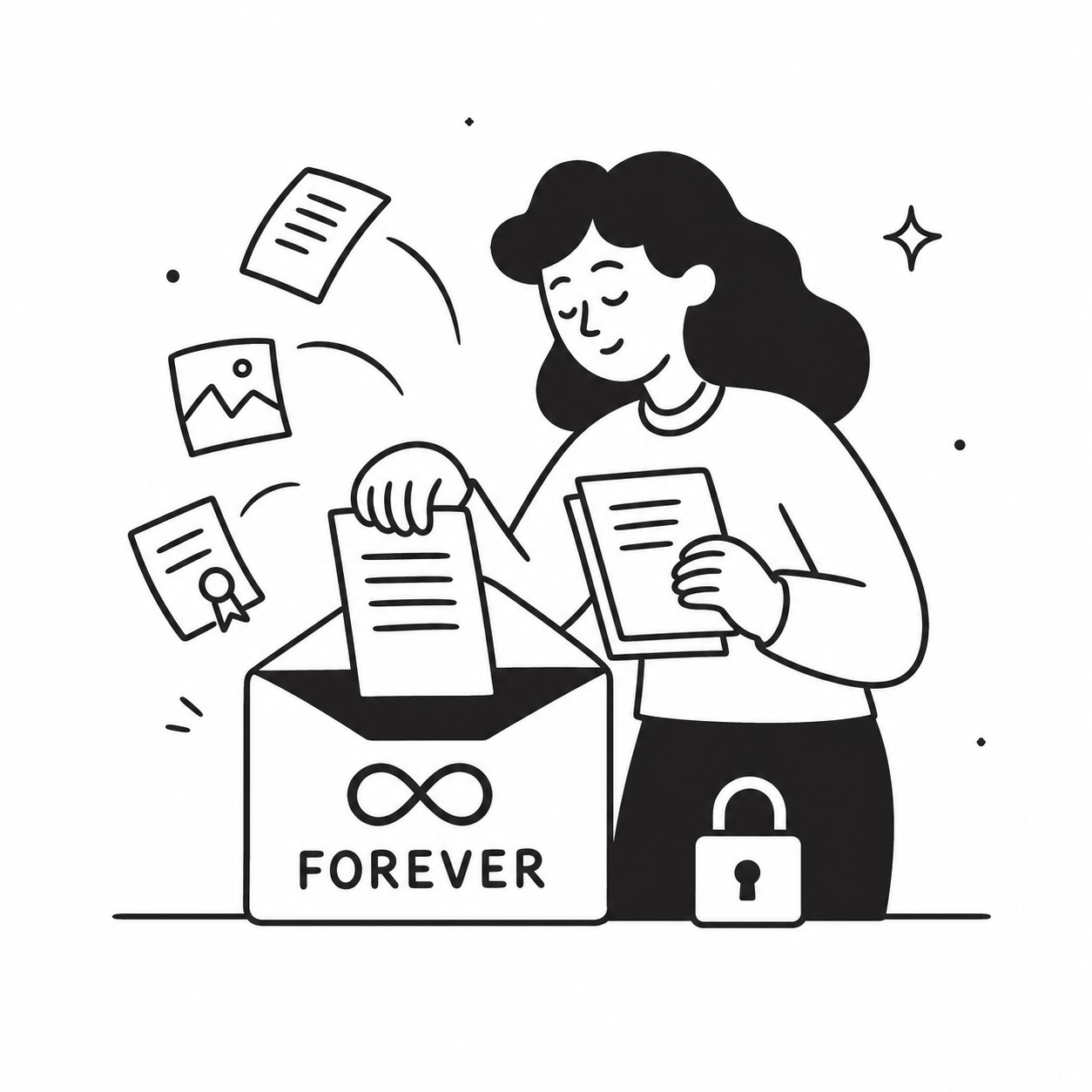
A signature may complete the contract, but it rarely completes the client file.
Insurance certificates, identification, purchase orders, project briefs, licenses, and supporting evidence often arrive after the agreement is signed. With GoodSign, you can attach additional documents or request files from the signer later, keeping the contract and its supporting records together without restarting the eSignature process.
That turns a signed document into a complete, organized client record—not another PDF separated from the details needed to act on it.
A Signed Contract Is Often Only the Beginning
Many business processes cannot be completed with a signature alone. The contract confirms the agreement, but your team may still need documents before onboarding the client, beginning work, approving an application, or releasing payment.
Common supporting documents include:
- Proof of identity for account setup or verification
- Insurance certificates from contractors and vendors
- Purchase orders needed before invoicing
- Licenses or certifications required for compliance
- Project assets and briefs needed to begin delivery
- Receipts or supporting evidence connected to a claim
- Company records such as tax forms or registration documents
These requirements are not always known when the original agreement is sent. A client may also sign immediately but need more time to locate the supporting files.
That is normal. The problem begins when those extra documents end up scattered across email threads, shared links, local downloads, and unrelated folders. Your team then has to reconstruct the client record manually, often months after the original conversation.
Keeping additional files connected to the signed agreement preserves the context: who signed, what they agreed to, and which documents support that agreement.
Attach Extra Documents After Signing
A completed signature should not lock the record permanently. If new information becomes relevant, you can attach additional documents to the existing envelope at a later time.
This is useful when your own team receives or creates a supporting file after the client has signed. For example, an agency might add the final creative brief to a service agreement. A property manager could attach an inspection report to a signed lease. A consultant might add an approved statement of work to the original contract.
Attaching the document to the existing record offers several advantages:
- The supporting file stays connected to the correct contract and signer
- Team members do not need to search old inboxes for context
- New files can be added without changing or resending the signed agreement
- Everyone works from a more complete client record
- Important details remain accessible when the project changes hands
This creates a cleaner eSignature document workflow. Instead of treating the signature as the end of the process, the envelope becomes the central location for the agreement and the information associated with it.
It also reduces version confusion. A file attached directly to the relevant contract is less likely to be mistaken for a document belonging to another client, project, or renewal.
Request Supporting Documents From the Signer
Sometimes your team does not have the missing file. The client, contractor, employee, or vendor needs to provide it.
You can request additional documents after signing rather than starting a separate email exchange. The signer receives a clear request and can upload the required files, allowing the supporting documents to remain associated with the agreement.
This is particularly valuable when the contract needs to be signed quickly. Since 65.3% of documents are signed within 24 hours, delaying the agreement until every supporting file is available can create unnecessary friction. Let the client complete the signature first, then collect the remaining documents as they become available.
Document requests also make responsibility clearer. An email asking for “the paperwork we discussed” can be overlooked or misunderstood. A request tied to the signed record gives the signer more context and gives your team a more consistent collection process.
If the requested documents are not uploaded immediately, the signer receives reminders for the next three days. Those automatic document reminders help maintain momentum without requiring someone on your team to send repeated follow-up messages.
The result is less chasing, fewer forgotten attachments, and a better client experience. The request remains structured and visible rather than disappearing into a busy inbox.
Lifetime Storage Keeps the Full Record Accessible
Contracts often remain important long after the original work is completed. You may need to revisit an agreement during a renewal, dispute, audit, ownership change, or new engagement with the same client.
Lifetime document storage helps preserve the complete record. The signed agreement and later attachments remain available together, so you are not relying on one employee’s inbox, a temporary shared link, or a folder structure that changed years ago.
That continuity matters because supporting documents often explain how a contract was carried out. The signature proves that an agreement was accepted, while attached records may show:
- Whether required credentials were supplied
- Which project specifications were approved
- What evidence supported a decision
- Which purchase order authorized the work
- What documents were available at the time
A complete record also makes handoffs easier. If an account manager leaves, a freelancer finishes an engagement, or a new operations employee takes over, the next person can understand the agreement without reconstructing its history from scattered messages.
Lifetime storage makes the envelope a durable source of truth, not merely a temporary stop on the way to a signature.
Better Records Without More Software Overhead
Small and medium businesses, freelancers, and agencies need organized contract management, but they often do not need another expensive platform with annual commitments and per-user licensing.
A pay-per-use eSignature model keeps the workflow practical. At $1.50 per envelope, with no subscription and no user limits, occasional senders and growing teams can collect signatures and supporting documents without paying for unused capacity.
More importantly, attaching and requesting documents later reflects how client work actually happens. Information arrives in stages. Requirements change. A file that seemed unnecessary during signing may become essential during delivery or compliance review.
Your document system should accommodate that reality. Keeping contracts, signer details, uploaded files, and later attachments together gives your team a reliable record while reducing repetitive administration.
Start using GoodSign to keep every signed agreement and its supporting documents together for life.
Need documents signed? Start with a free electronic signature account — no subscription, $1.50 per envelope.